

Send one fax with no subscriptions, payments, or plans required! Fax.Live works on any device with an internet connection with no downloads or apps required. Get started sending a one-time fax with no fax number, phone line, or fax machine required.
This article covers:
- One-time digital faxing
- Sending a one-time fax from smartphones
- What is included in a Fax.Live free trial
Free One-Time Fax from a Computer in 4 Steps
Step 1: Get Started with Fax.Live.
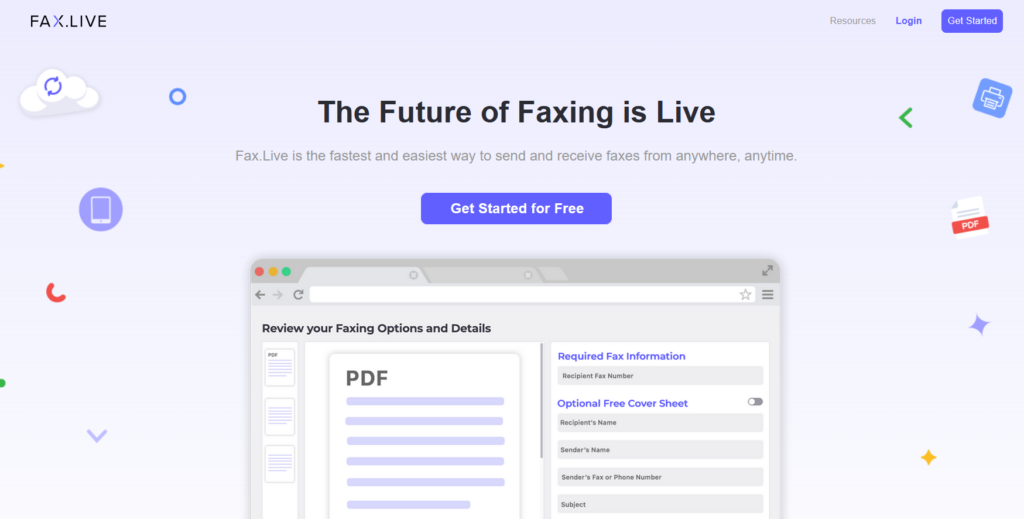
Before you get started, you will need a PDF version of the document you want to fax. This means you either need to save your document as a PDF on your device or convert your document to a PDF. Select Get Started from any page on our website.
Hint: If you’re using a document editor like Microsoft Word or Google Docs to create the document you want to fax, this is as easy as selecting “Save as…” or downloading it as a PDF.
Step 2: Upload your Document
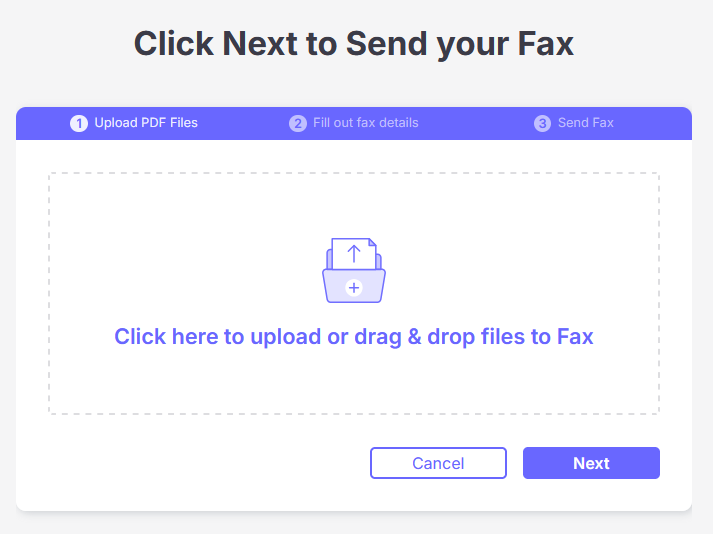
Drag and drop your PDF from the file explorer on your computer into the Fax.Live window. Or, you can click on the Upload box and navigate to where the document is stored on your computer.
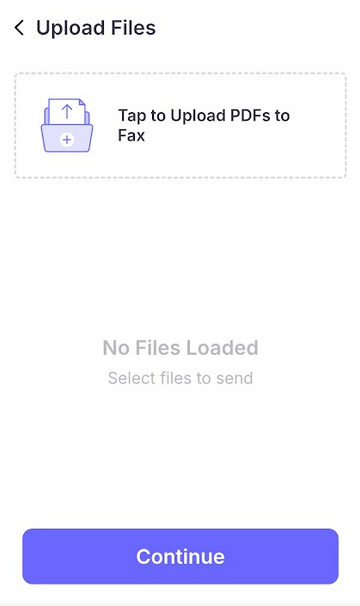
If you’re using a mobile device, tap the upload box to upload your PDF to Fax.Live.
Step 3: Enter your Fax Details
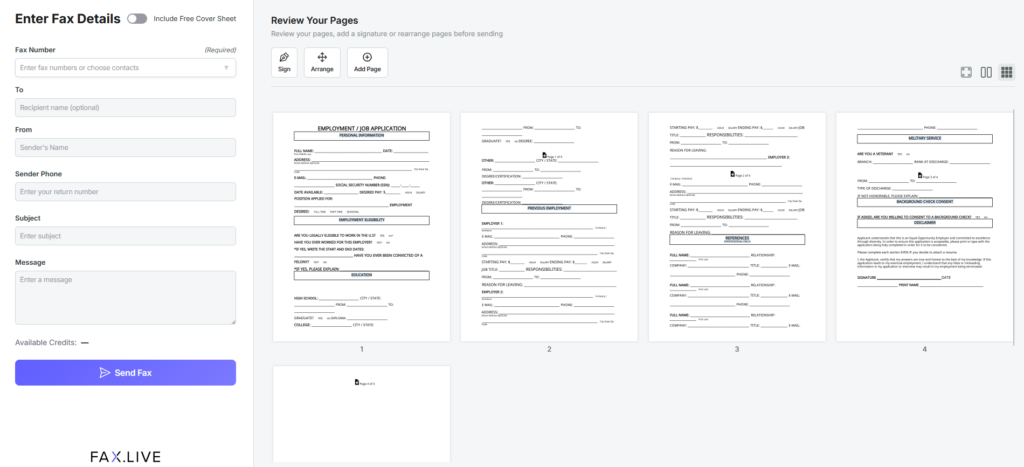
First, enter the required recipient fax number. The recipient’s fax number will appear in a phone number format. This number is required, as it’s how we know where to send your fax.
From here, you can add a free optional cover page that includes information about you, the recipient, and an optional message to be included on the cover sheet. You can also review the number of pages in the faxed document, rearrange them, and even add pages.
Once you’re ready to send, click Send Fax.
Step 4: Create an Account
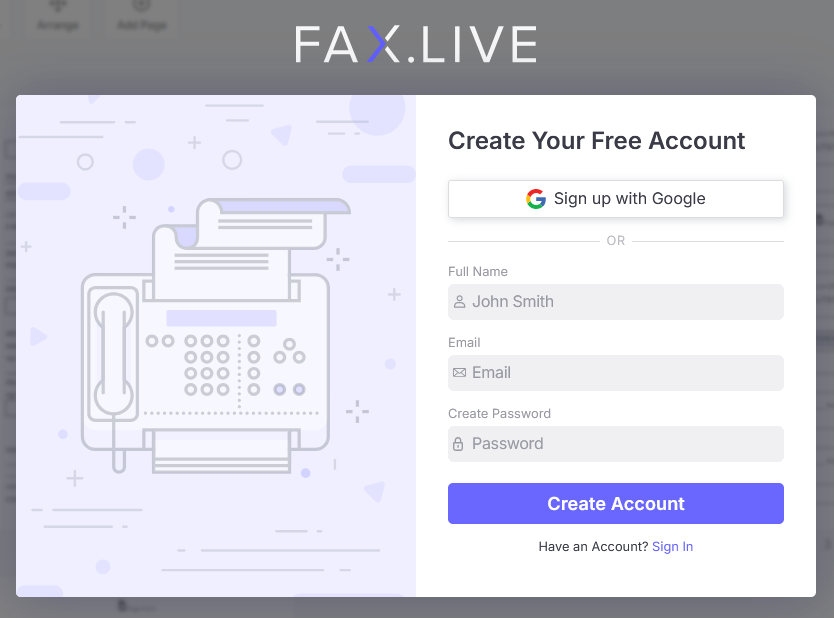
To send your one-time free fax, you will need a free Fax.Live account to sign up for our free 7-day trial. A Fax.Live account will give you your own fax number for receiving faxes and status updates on your sent faxes.
You can test out Fax.Live’s functionality, or just send your one-time fax! Once you’ve created your account, we’ll send your fax and give you live updates on the status of your fax. Once it’s been successfully transmitted, we’ll send you an email notification.
Answers to Questions about One-Time Faxing
What does one-time fax mean and who is it for?
A one-time fax is a single fax sent, usually for free, for someone who just needs to send one document to someone else. This is useful for transmitting academic transcripts, insurance information, or legal info on a one-time basis. For frequent faxers, a more permanent solution is available through a Fax.Live subscription.
Are there any hidden fees when sending a one-time fax?
No, Fax.Live does not have any hidden fees for sending a one-time fax. All you have to do is cancel your Fax.Live trial before the 7 day trial window ends.
How many pages are allowed with a free trial?
Fax.Live allows up to a free trial. Past this, you will need to sign up for a Fax.Live account to get page credits. The low-cost subscription includes 500 pages — 250 to send and 250 to receive (subject to change; see terms).
Why do you ask for a credit card if it’s free?
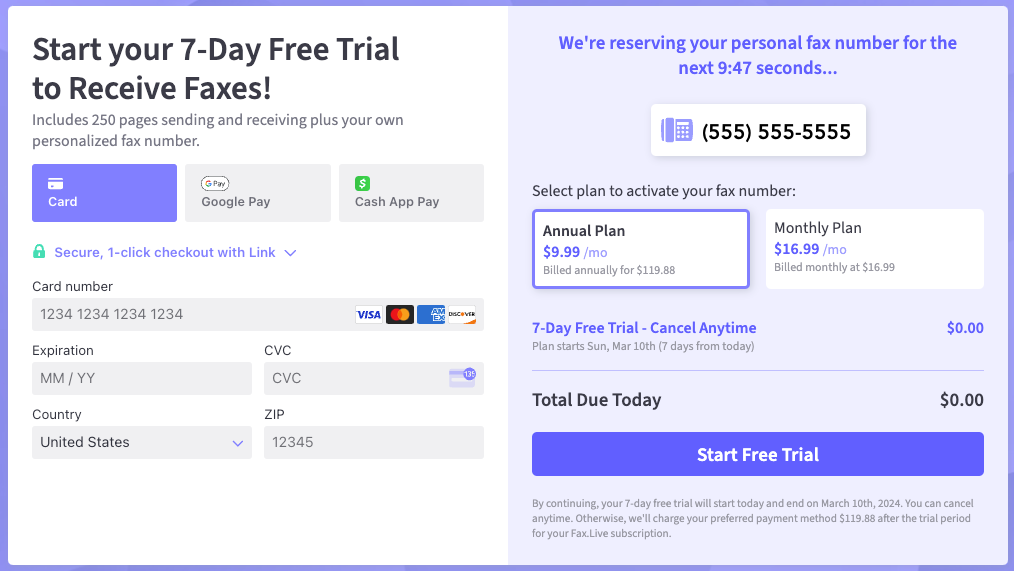
Fax.Live requires a credit card to help ensure against misuse or abuse of our free trial system. However, we make it very easy to cancel your free trial to ensure that you aren’t charged for your one-time fax.
How do I send a free one-time fax from my phone?
You can send a free one-time fax from your phone using Fax.Live, as our service functions through your web browser, not as an app or program. Follow steps similar to the above guide on your phone, or check out our guide on how to fax from your phone!
How much does a subscription cost?
Our current subscription cost can be found below, but this subscription is subject to change. We offer discounts for billing annually vs monthly.
Do I need a fax machine to send a one-time fax?
No, you don’t need a fax machine if you want to send a one-time fax. Fax.Live is digital-first, meaning that you can fax using PDFs using a computer or smartphone. This saves you money and time, as you don’t need to locate a fax machine or print out your document for faxing. No need to drive to an office supply store for fax services, no purchasing fax machines, just simple one-time faxing.
Get Started